Blog
Tips, tricks, and updates about Ampado

Apple Music in Ampado: Streaming and Library with Waveform
Ampado becomes a full-featured Apple Music client for the Mac: stream music from Apple Music, browse your library, search for songs and play everything directly in Ampado, with waveform, level meter and visuals. Also in the free version.
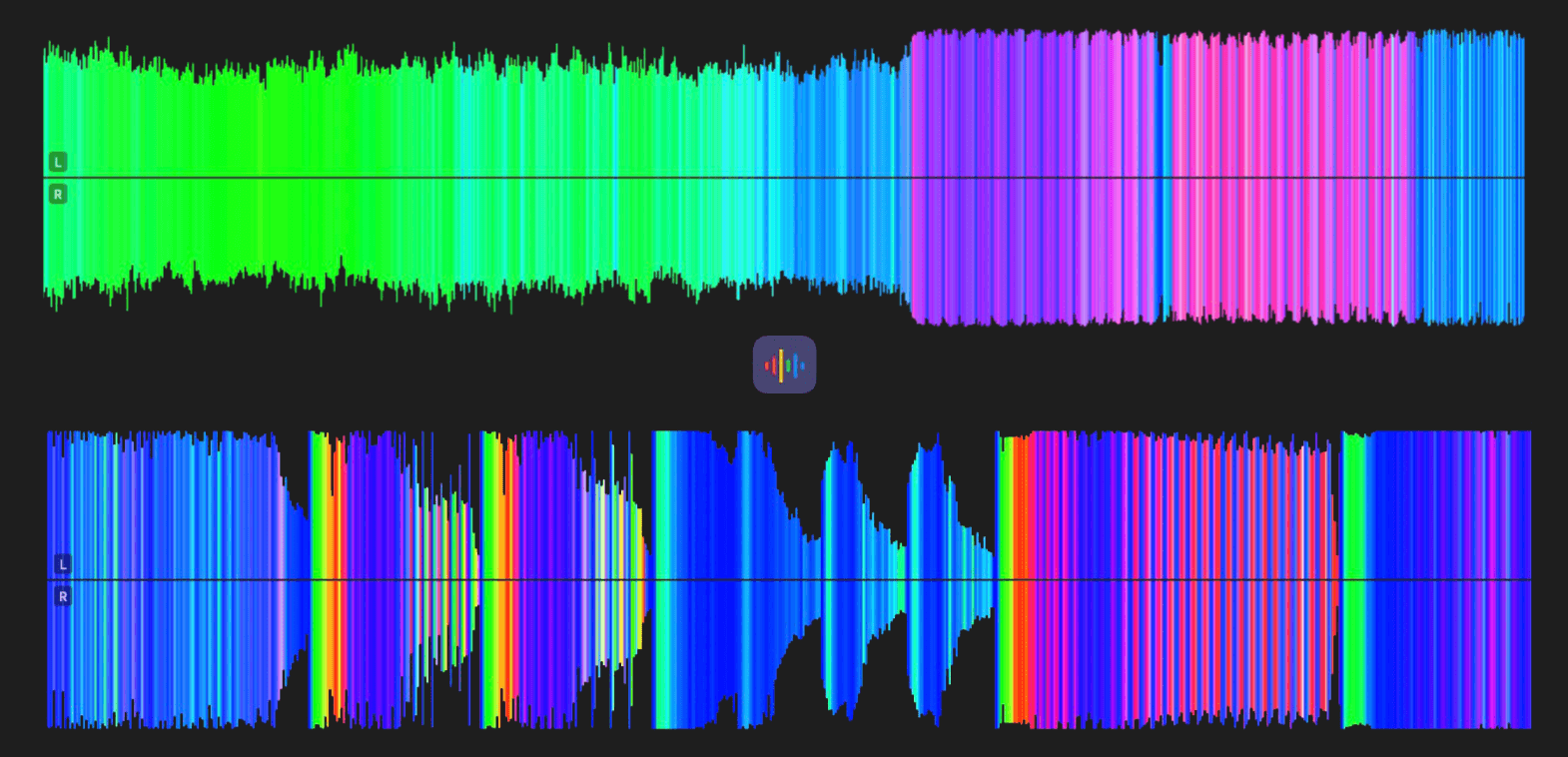
Frequency Colors in the Waveform: Bass, Mids and Highs Like in DJ Software
The waveform in Ampado PRO can now be colored by frequency range, just like in DJ software: bass in red, mids in green, highs in blue. That way you recognize the character of a track at a glance.
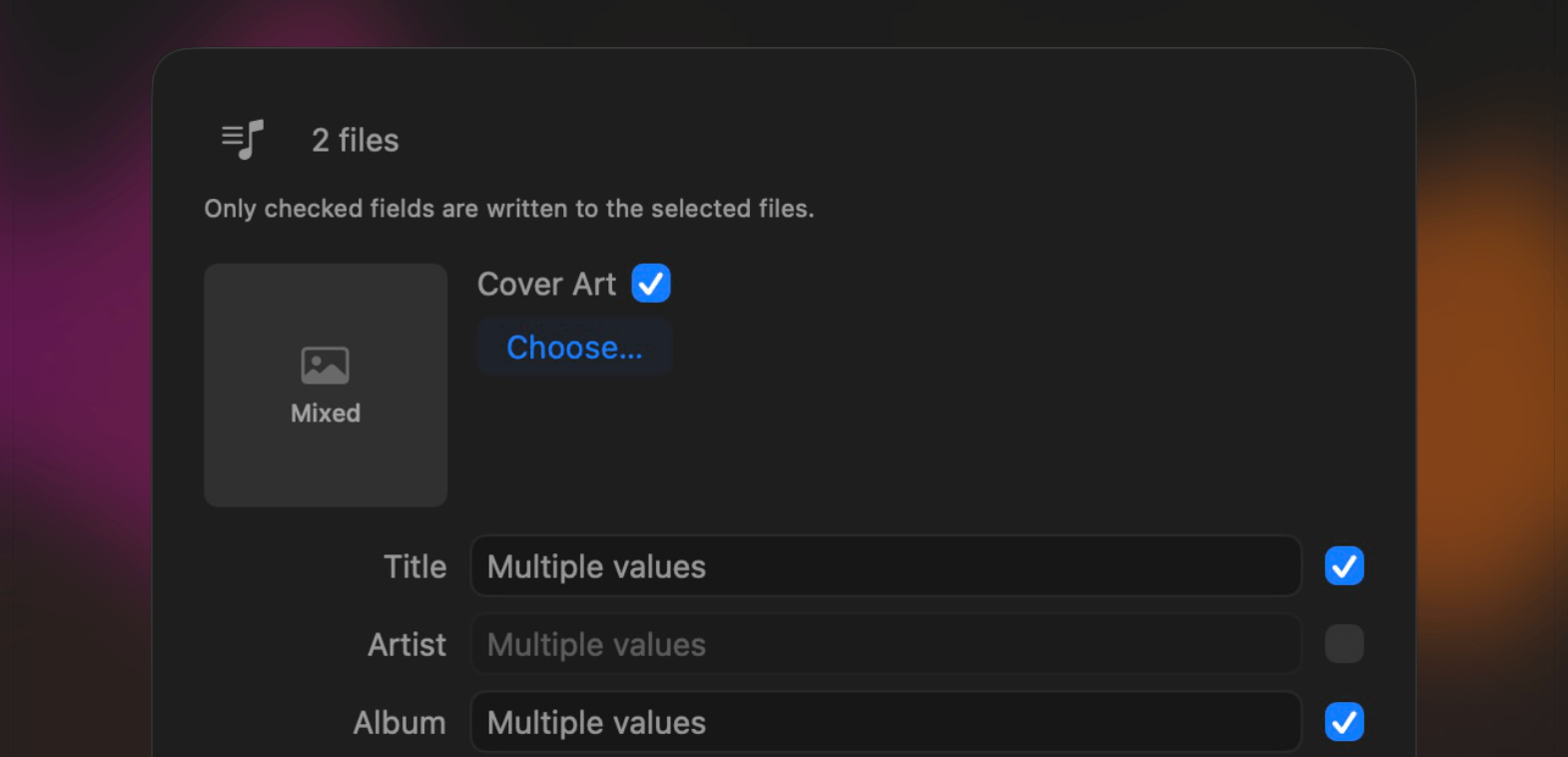
Tag Editor Update: Better Multi-Editing with Checkboxes
The Tag Editor in Ampado PRO now edits multiple files even more safely: checkboxes let you decide which metadata gets saved. Nothing gets overwritten by accident anymore.
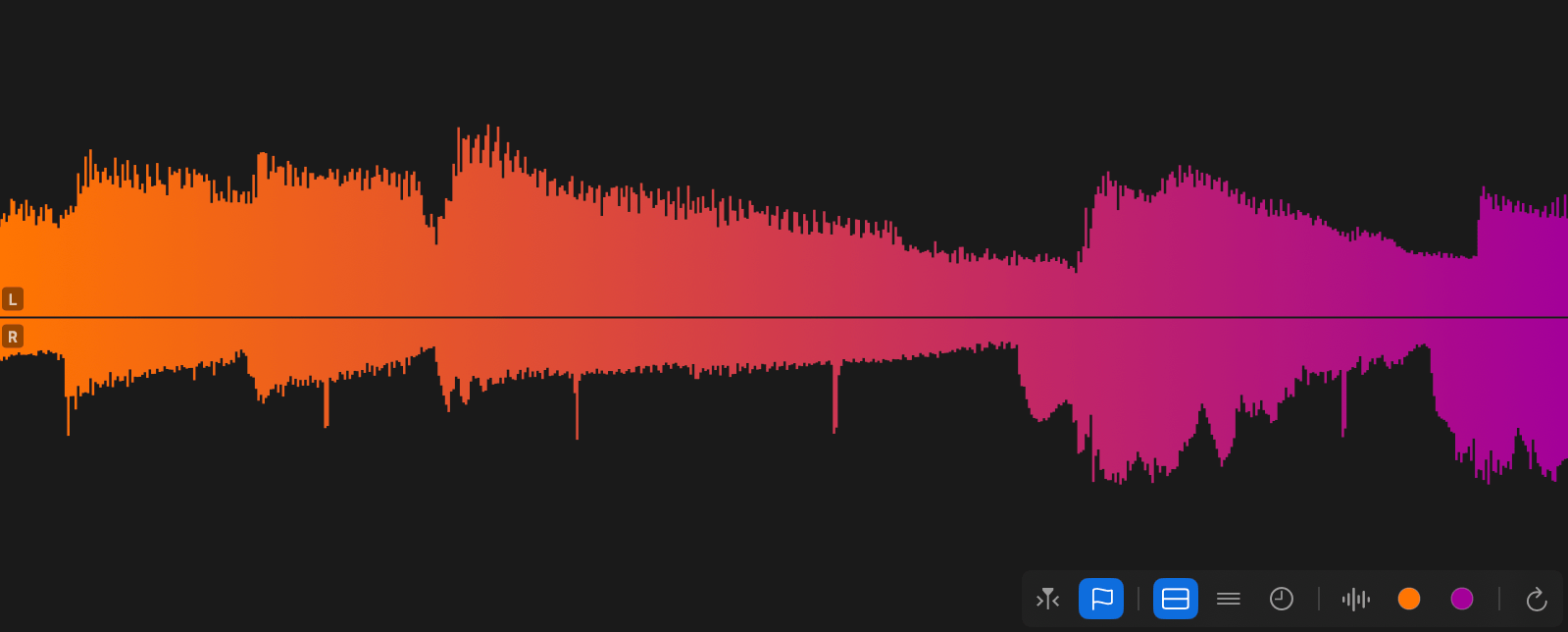
True Channel Separation in the Waveform: Left on Top, Right Below
The waveform in Ampado PRO can now show both stereo channels separately: the left channel on top, the right channel below. Plus, a redesigned, clearly structured waveform toolbar.

New in Ampado PRO: Search in Files and Playlists
Ampado PRO now has search for files and playlists. Press CMD+F to find songs as you type, searching file names and metadata such as title, artist, album, genre and more.
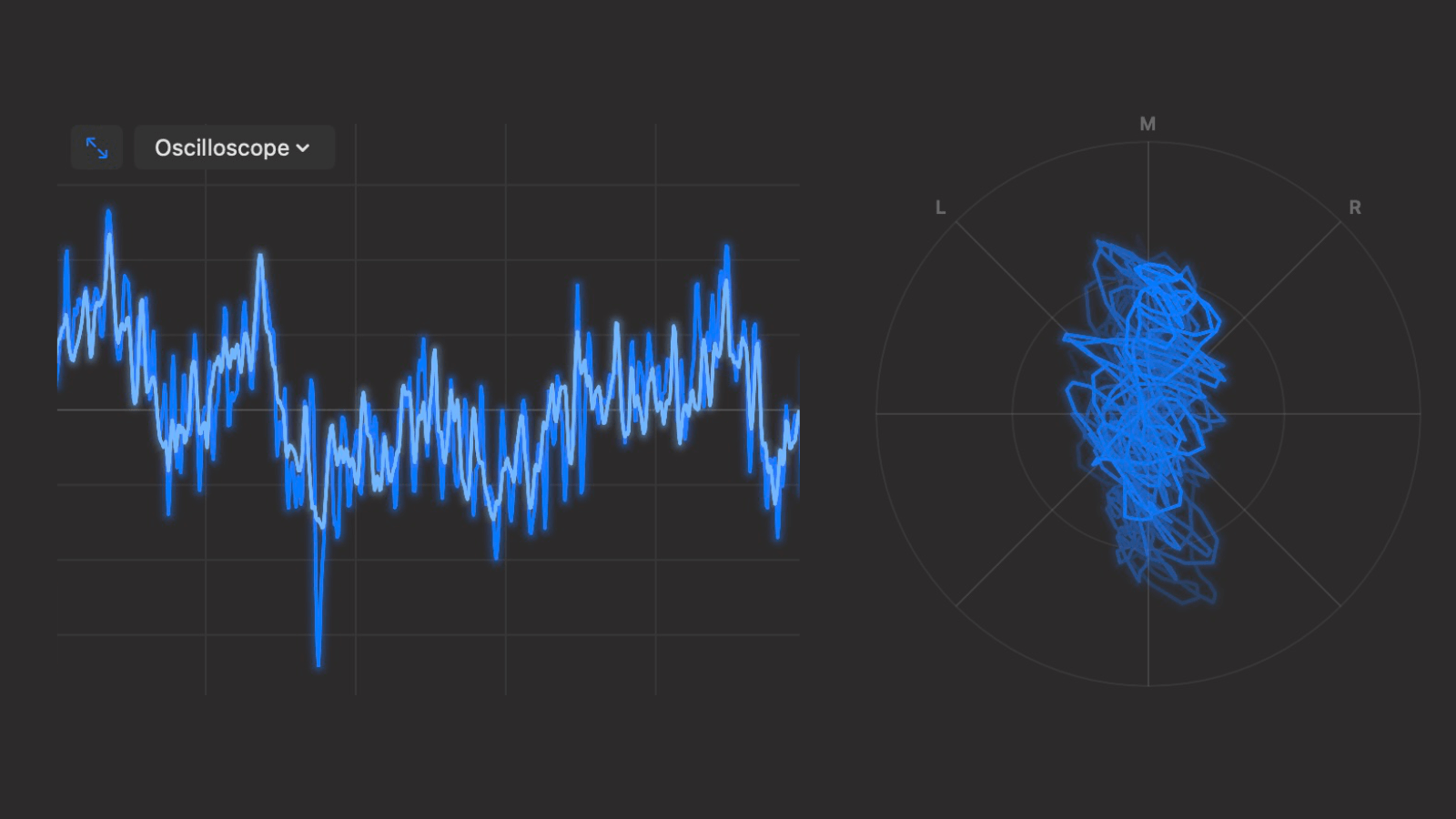
New Visualizers in Ampado PRO: Oscilloscope and Oscilloscope XY
Ampado PRO gets two new visualizers: the Oscilloscope shows the waveform of your audio signal in real time, and the Oscilloscope XY makes the stereo image visible. Plus, optional scales for all Frequency Visualizers.
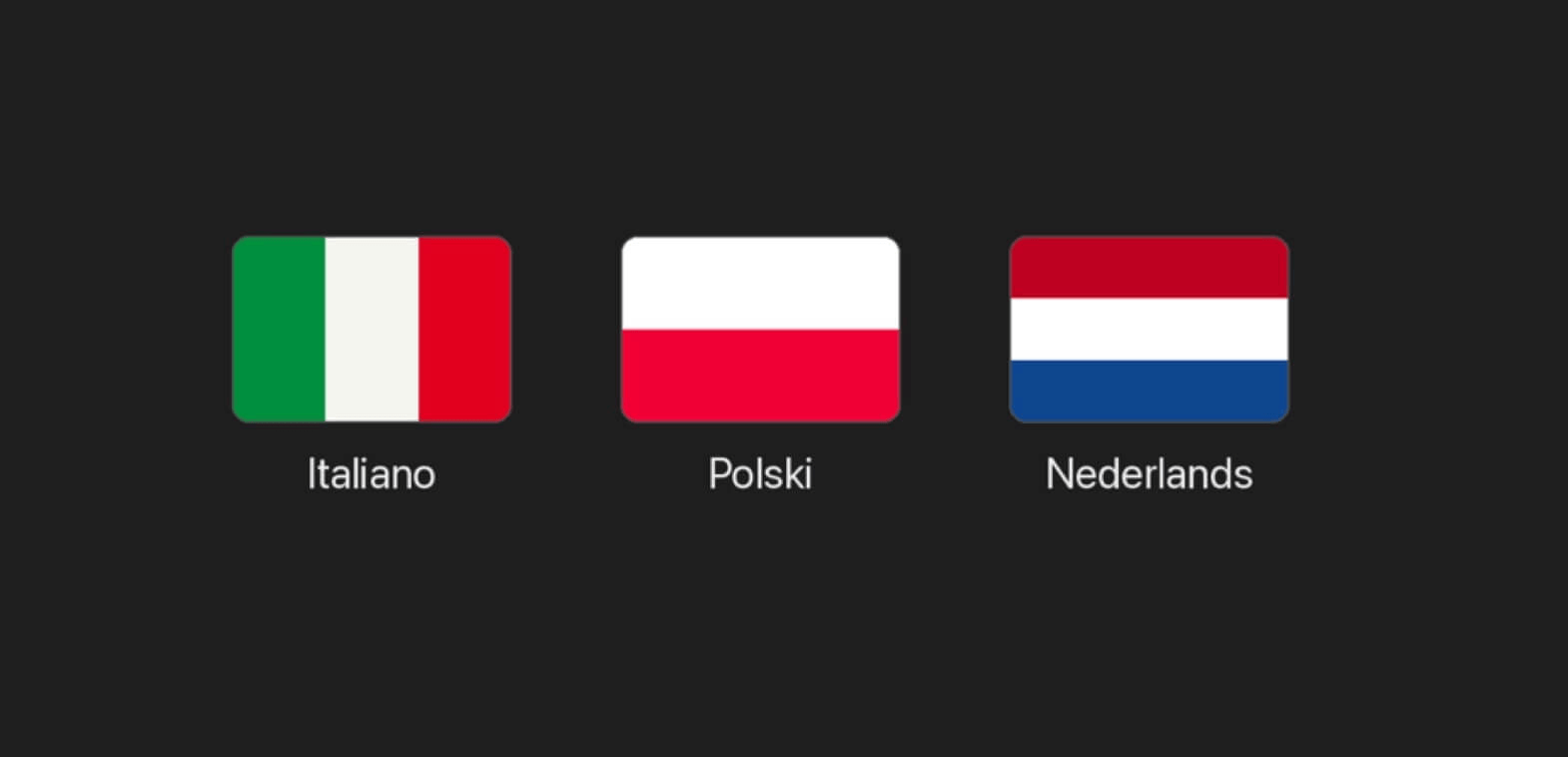
New Languages in Ampado: Italian, Polish and Dutch
Ampado now speaks three more languages: Italian, Polish and Dutch. The app is now available in eight languages in total, and you can switch the language directly in Ampado at any time.
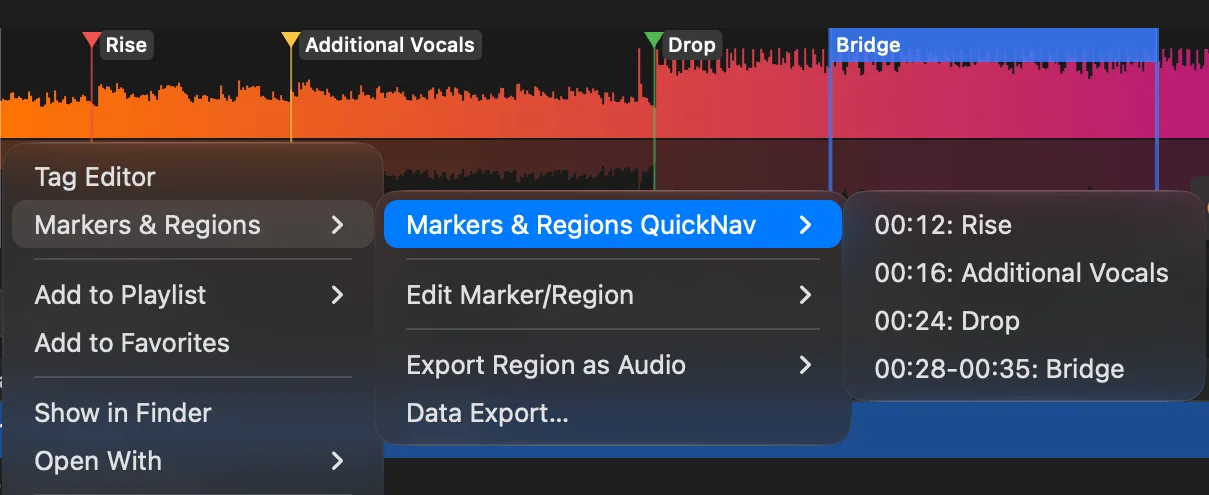
The Marker & Regions Update: name, navigate, export
The big Marker & Regions update for Ampado PRO: name markers just like regions, new jump shortcuts, a context menu, QuickNav, and exporting regions as audio files plus markers and regions as CSV or JSON.
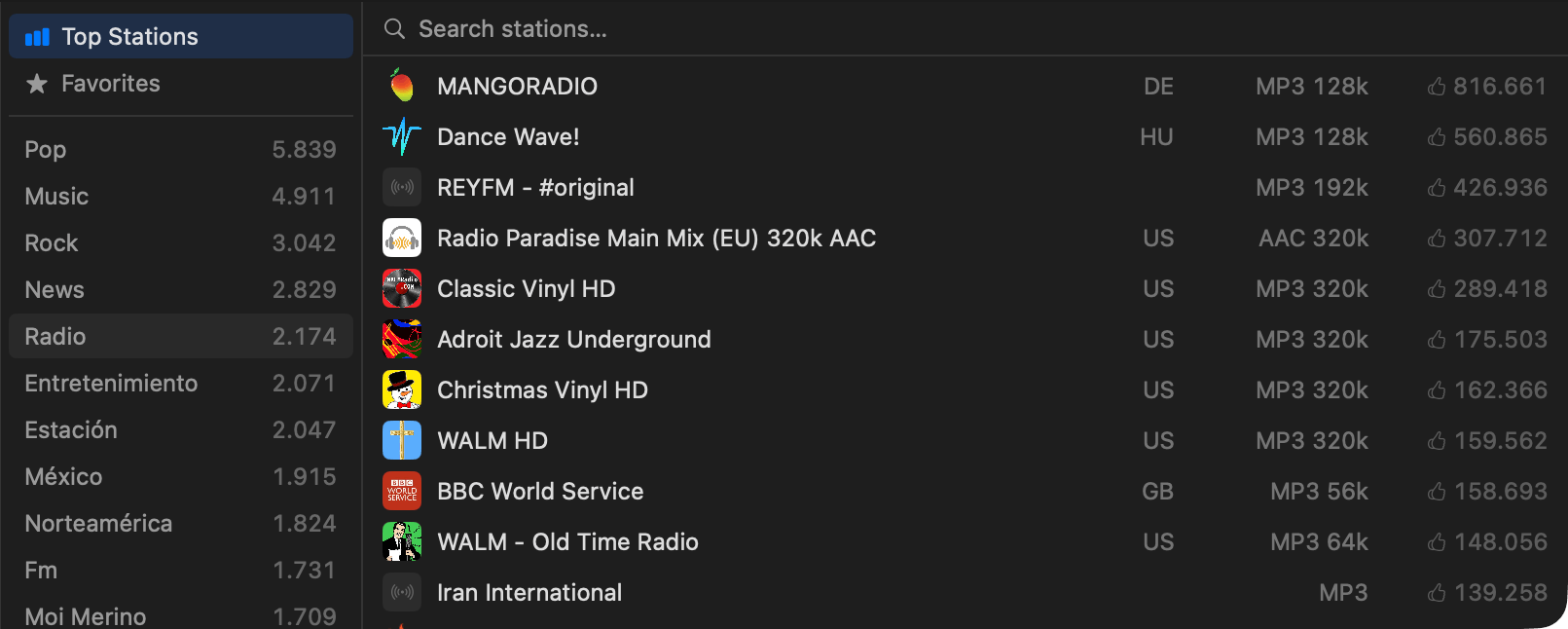
New Internet Radio Section in Ampado
Ampado has a brand new Internet Radio section. Discover thousands of radio stations from around the world sorted by genre and stream them straight into Ampado with a single click, no extra app required.
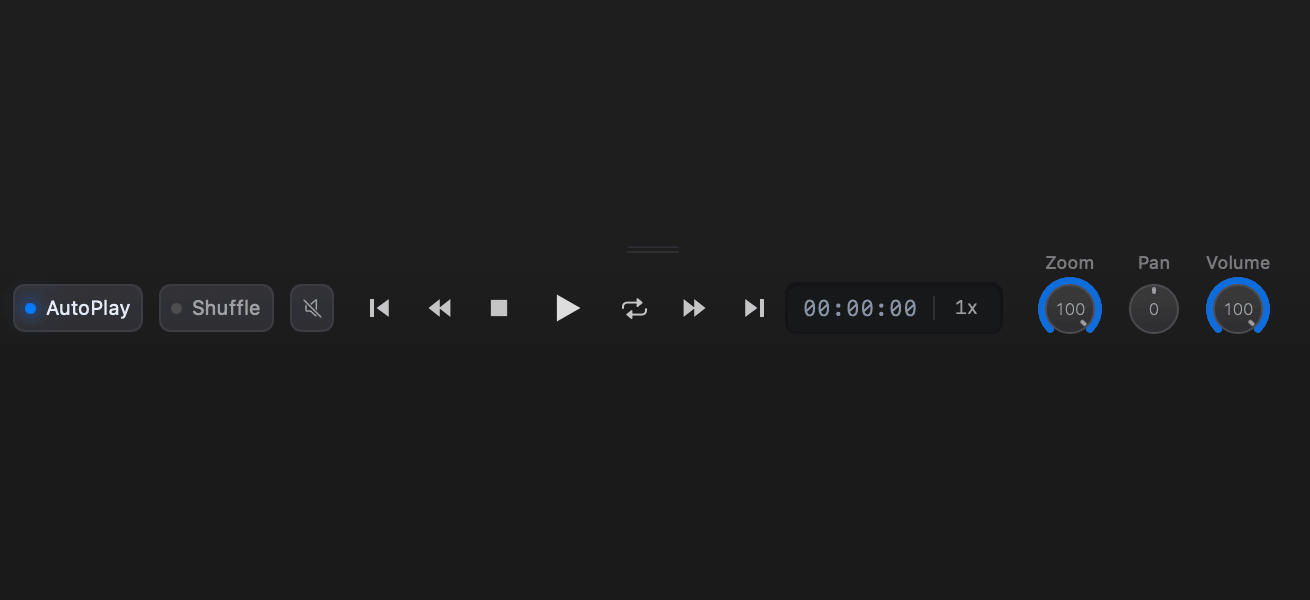
The new controls bar: modern design and time display
The central controls bar in Ampado has been completely redesigned: a modern look like professional audio software, an easy to read time display, clear switches for AutoPlay and Shuffle, plus handy dials for Zoom, Pan and Volume.

New: Last.fm Scrobbling in Ampado
Ampado now supports optional Last.fm scrobbling. The tracks you play are sent to your Last.fm profile automatically, including artist, title and album. Sign in once and everything else happens on its own.
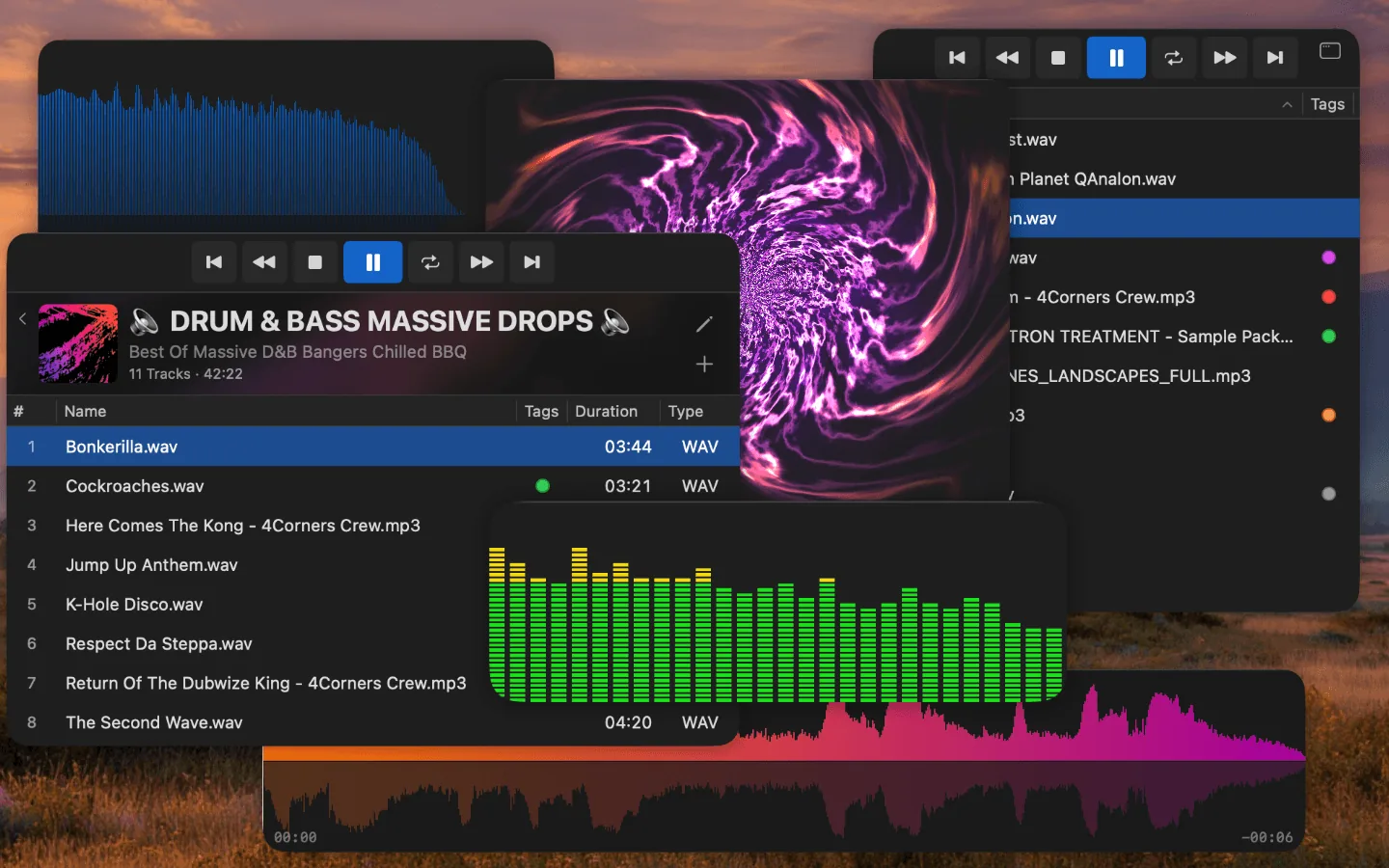
Compact Mode in Ampado PRO: Four Views for Any Situation
Ampado PRO's Compact Mode strips the player down to the essentials. Four views (Waveform Only, VisualFX Only, Files List Only, Playlist Only) for different workflows and screen sizes.

Did You Know? New "Normalize Waveform" Option
New in settings: the "Normalize Waveform" option. Turn it off and the waveform shows real volume differences based on absolute levels.
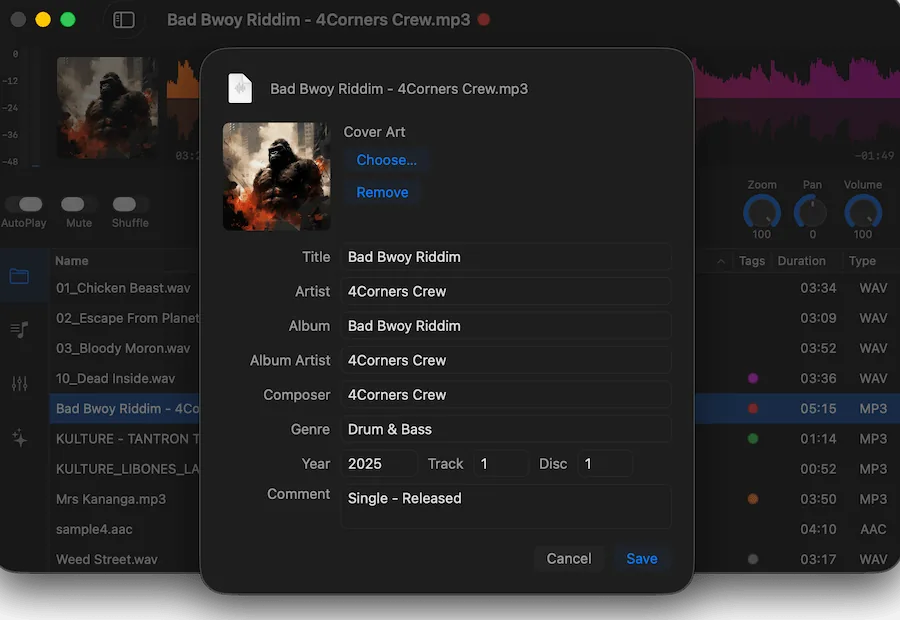
Edit MP3 Tags on Mac – No Extra Software Needed | Ampado Tag Editor
With the new Tag Editor in Ampado PRO, you can edit MP3 tags, cover art and audio metadata right inside your player – no additional software required. Batch editing included.
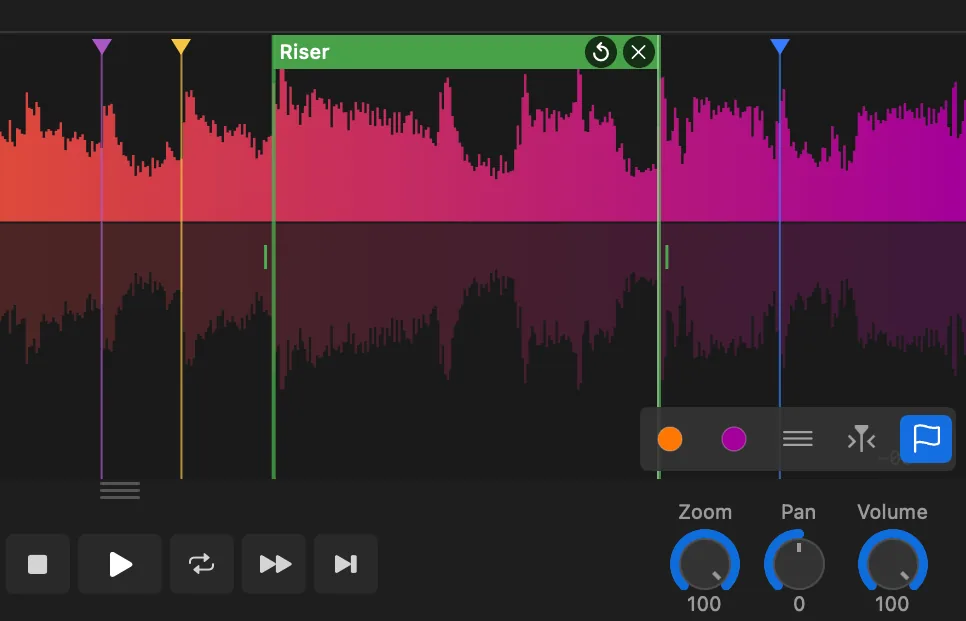
How to Use Markers, Regions & Loops in Ampado PRO
Learn how to set markers, create regions and loop sections in Ampado PRO. A step-by-step guide to the waveform tools that make audio navigation fast and precise.
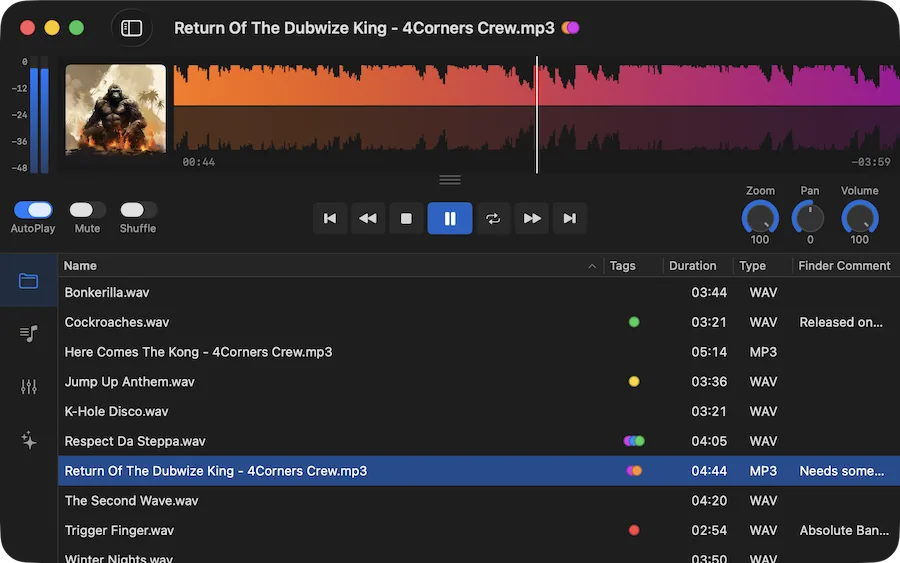
Why Seeing Your Sound Changes Everything
Discover how waveform visualization transforms the way you listen to, navigate and understand your local audio files on Mac.